
Table of Contents
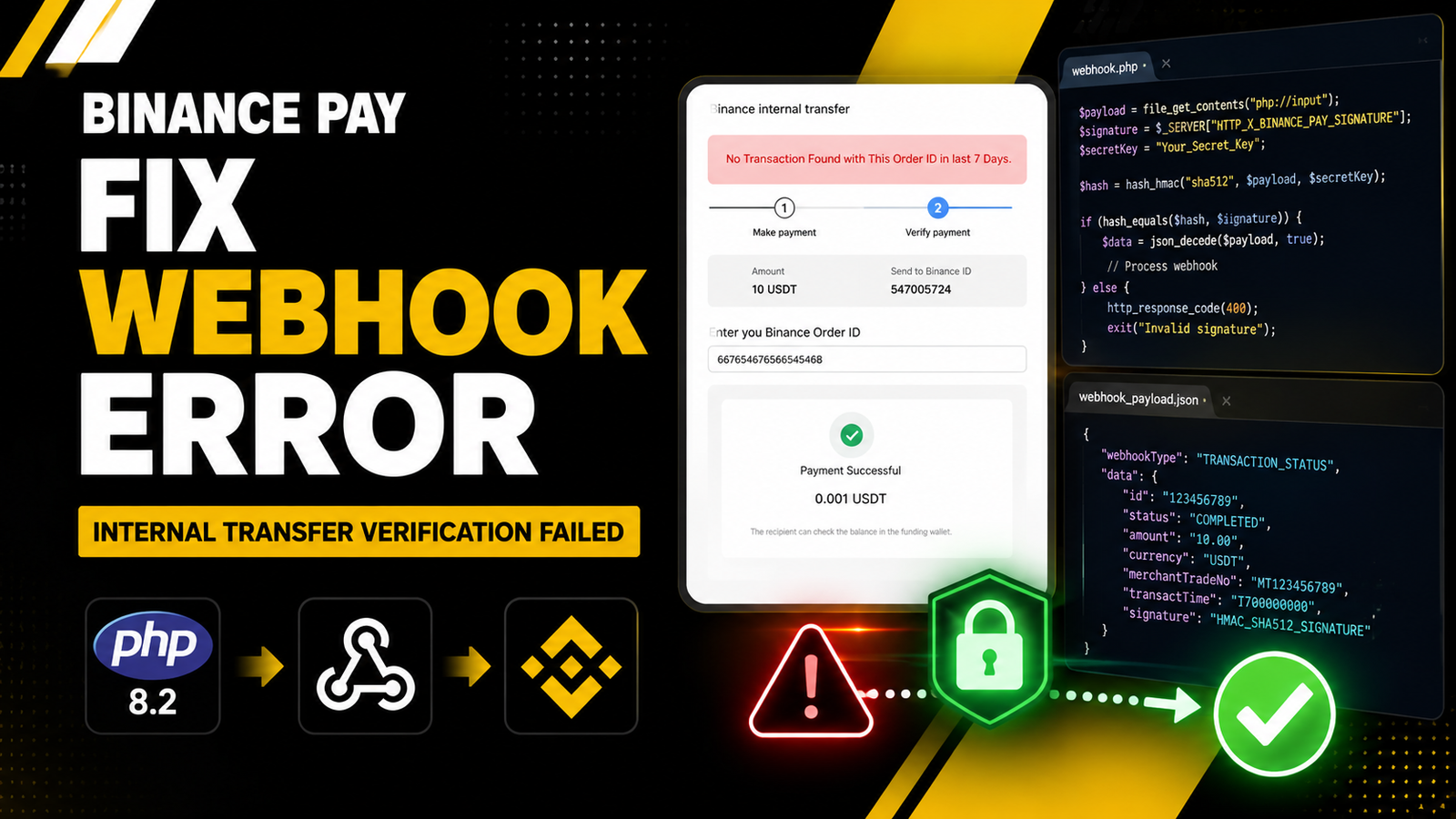
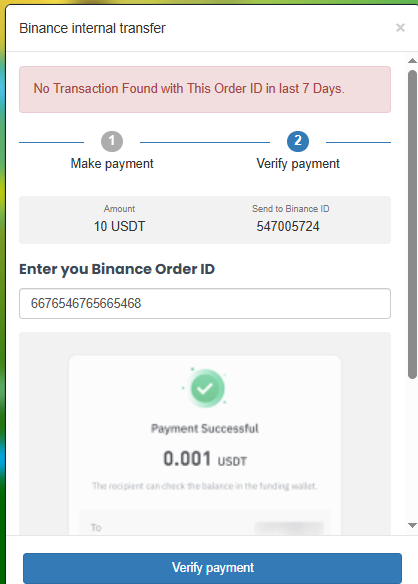
You are likely experiencing a fatal Binance Auto Payment Error. Upgrading your SMM panel server to PHP 8.2 is a necessary security step, but it often breaks custom payment gateways. If your orders are failing to update automatically.
Payments will succeed on the customer’s end. The funds will leave their wallet. However, your SMM panel will fail to recognize the transaction and will leave the order stuck in a pending state.
Here is the objective breakdown of why this happens and the exact code you need to resolve it.
What Causes the Binance Auto Payment Error
The root cause of this failure is a strict type-checking change introduced in modern PHP versions. The Binance Pay API requires your server to generate an HMAC-SHA512 signature. This signature is built using the raw payload, a timestamp, and a nonce.
Older PHP versions allowed developers to pass empty or null values into hashing functions without crashing. PHP 8.2 does not allow this. If your script attempts to hash a missing header or a poorly decoded JSON string, PHP 8.2 throws a fatal error and kills the process immediately.
Because the process dies, your server never sends the required HTTP 200 OK response back to Binance. Binance assumes the callback failed, and your script never updates the user’s balance.
Recognizing the Symptoms in Your SMM Script
Before modifying your core callback files, confirm you are dealing with this specific error. First, force your script to reveal the exact PHP failure by temporarily enabling error reporting.
Open your /public_html/app/config.php file and add these two lines at the top:
PHP
error_reporting(E_ALL);
ini_set('display_errors', 1);
Once enabled, trigger a test payment and check your logs for these specific indicators:
- Missing Funds: Customers report money leaving their Binance app, but their SMM panel balance remains at zero.
- Server Crash: Your Binance Merchant dashboard webhook logs display an
HTTP 500 Internal Server Error. - Signature Failure: You see
Signature verification failedor a fatal PHP type error in your newly enabled logs.
(Remember to remove the error reporting lines from your config file once the issue is fixed to maintain server security).
Check out our complete guide on optimizing SMM scripts for speed and security
The Technical Difference in PHP 8.2
To fix the Binance Auto Payment Error, you must change how your script handles incoming data.
You cannot rely on the $_POST array for webhook callbacks. Binance sends the data as a raw JSON payload stream. You must intercept this payload exactly as it arrives using php://input. Furthermore, you must verify that the required headers exist before you attempt to process the signature.
You can read more about strict typing on the official PHP Documentation website.
The Complete PHP 8.2 Code Fix
Below is the production-ready code to replace your existing Binance callback verification logic. This code enforces strict type checks, safely captures the raw payload, and generates the exact signature required by the Binance Pay API.
Replace your current callback handler with this exact file.
PHP
<?php

$secretKey = 'YOUR_BINANCE_SECRET_KEY';

$headers = getallheaders();
$timestamp = $headers['Binancepay-Timestamp'] ?? '';
$nonce = $headers['Binancepay-Nonce'] ?? '';
$signature = $headers['Binancepay-Signature'] ?? '';
$payload = file_get_contents('php://input');

if ($timestamp === '' || $nonce === '' || $signature === '' || $payload === false) {
    http_response_code(400);
    exit;
}

$payloadString = $timestamp . "\n" . $nonce . "\n" . $payload . "\n";
$expectedSignature = strtoupper(hash_hmac('sha512', $payloadString, $secretKey));

if (!hash_equals($expectedSignature, strtoupper($signature))) {
    http_response_code(401);
    exit;
}

$data = json_decode($payload, true);

if (json_last_error() !== JSON_ERROR_NONE) {
    http_response_code(400);
    exit;
}

if (isset($data['bizStatus']) && $data['bizStatus'] === 'PAY_SUCCESS') {
    $merchantTradeNo = $data['data']['merchantTradeNo'];
    $paymentAmount = $data['data']['paymentAmount'];

    http_response_code(200);
    echo json_encode(['returnCode' => 'SUCCESS', 'returnMessage' => '']);
    exit;
}

http_response_code(400);
exit;
How to Test Your Webhook Safely
Do not use real funds to test if the Binance Auto Payment Error is resolved. Use the official developer tools.
- Log in to your Binance Merchant Dashboard.
- Navigate to your Developer Settings.
- Open the Webhook Simulator tool.
- Enter your exact callback URL and fire a test payload.
If you implemented the code correctly, the simulator will return a 200 Success status. Your server error logs will be clear, and your SMM script will instantly process all future payments without manual intervention.
Read more about webhook testing in the official Binance Pay API Documentation.

Can you be more specific about the content of your article? After reading it, I still have some doubts. Hope you can help me.
I truly appreciate your technique of writing a blog. I added it to my bookmark site list and will
Pak Goat Pretty! This has been a really wonderful post. Many thanks for providing these details.
⭐⭐⭐⭐⭐
Amazing article! I was trying to solve this Binance auto payment verification error for 7 days without success. After following this guide, the issue was fixed within seconds. The code example worked perfectly on PHP 8.2, and my payments are now updating automatically. Thank you for sharing such a clear and effective solution!