
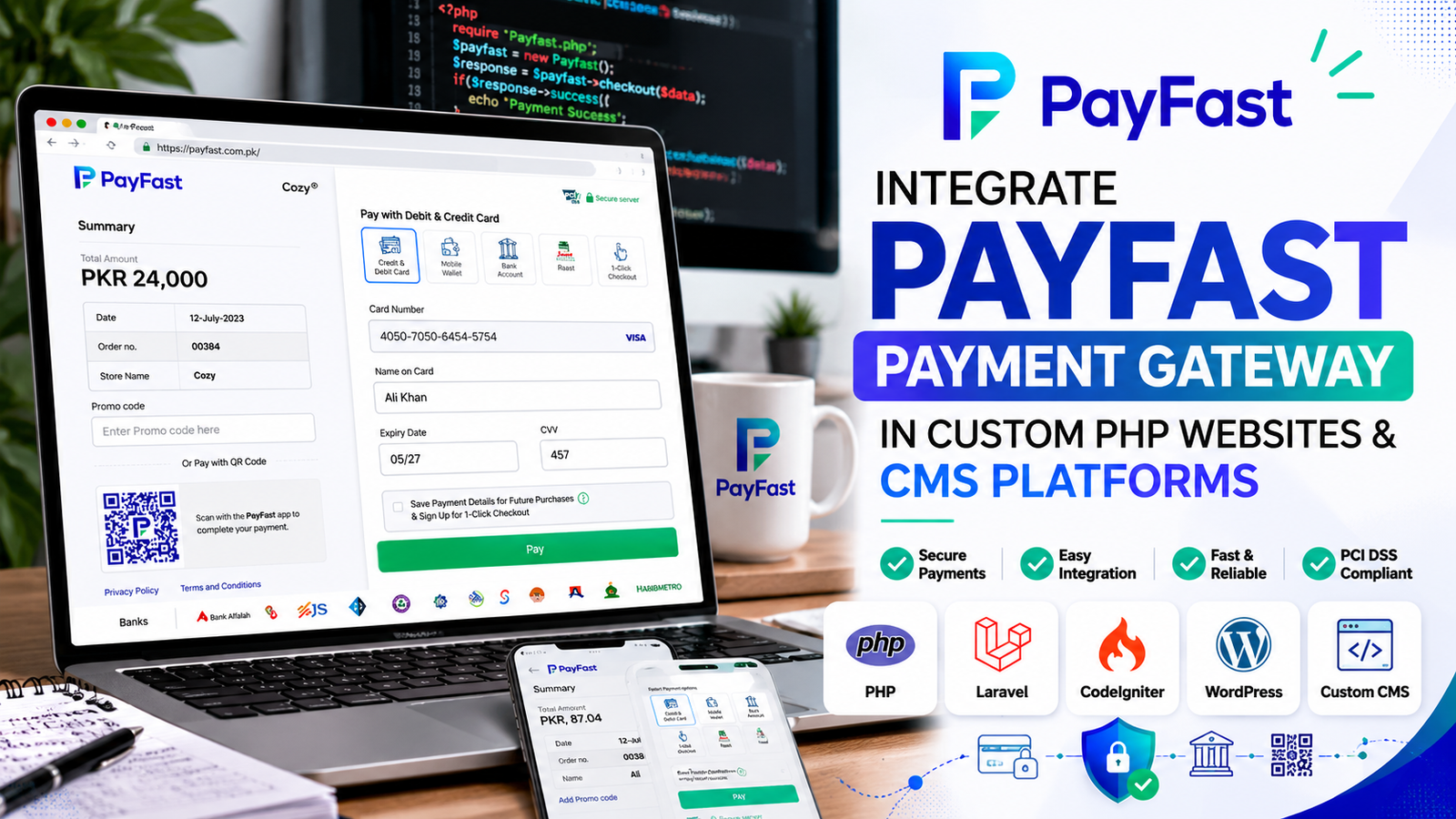
Automating your website’s payment flow is one of the most critical steps to improving user experience and scaling your online business. If you are running an e-commerce store, a service platform, or a Social Media Marketing (SMM) panel, manually verifying payments slows down operations and kills conversions.
Payfast has emerged as one of the best and most reliable payment gateways for local and international transaction processing, especially within Pakistan. It offers users seamless integration options via popular mobile wallets (EasyPaisa, JazzCash, UPaisa, Zindigi), Raast ID, bank transfers, and major credit/debit cards (Visa, MasterCard, UnionPay).
Whether you are using a ready-made Content Management System (CMS) like WordPress or Shopify, or running a custom-built PHP web application, this comprehensive guide will walk you through setting up Payfast on your platform completely from scratch.
1. Setting Up Payfast on CMS Platforms (WordPress, WooCommerce, Shopify)
If your website runs on a mainstream CMS platform, you don’t need to handle complex scripts or raw API requests. Payfast provides pre-built, ready-to-use plug-and-play modules.
For WordPress & WooCommerce users:
- Log into your Payfast Merchant Portal (where you initially submitted your business verification documents).
- Ensure your account status displays “Your Account is in Live Mode.”
- Navigate to the Shopping Cart Plugins section.
- Select your environment—choose Live/Production for real-world storefronts (or Sandbox if you are running testing environments).
- Download the plugin version compatible with your active WordPress or WHMCS theme version.
- Go to your WordPress Dashboard, navigate to Plugins > Add New > Upload Plugin, and choose the zip file you just downloaded.
- Once activated, enter your unique credentials (Merchant ID and Secured Key / Secret Key) within the plugin configuration settings and save your changes. Your checkout page will automatically feature Payfast.
2. Integrating Payfast in Custom PHP Web Applications (e.g., SMM Panels)
For custom-built websites built on native PHP, Shell languages, C#, or JavaScript, you must build a functional transaction flow using structural server-side script files. Let’s break down the technical architecture required to integrate this gateway cleanly into your platform’s backend core.
Step 1: Establish the Initiation Root
To begin a payment flow, your system needs to collect customer information and build a background POST parameter packet to submit to the Payfast API token endpoint.
In a typical modular PHP application (like standard SMM panel structures), navigate to your file manager via your web hosting control panel (cPanel or similar). If you are using an addon domain, go to its dedicated directory; otherwise, open your default directory root:
public_html/app/controllers/add_funds/initiator/
Create a clean payment initiator script file within this directory. Name it distinctly (e.g., payfast_init.php) ensuring it executes the precise token transmission guidelines provided by Payfast’s developer documentation. For broader guidance on structuring scripts or handling configuration parameters on your portal, you can explore our dedicated SMM Script Guide.
Step 2: Configure the Controller Logic
Next, your application requires controller logic to intercept user deposits and hand off the process to your new initiator file.
Update your core funding handler controllers to register a dedicated payment method ID assignment (for example, assigning Payment Method: 50 specifically to Payfast). This ensures that when a user selects Payfast on your front-end user dashboard, the correct backend script triggers.
📢 Looking for a Ready-Made Solution?
For Complete Integration file with all instructions to integrate in your smm panel contact us to buy it: https://wa.link/4r86kb
Step 3: Run Database Queries for Secure Key Storage
Hardcoding sensitive gateway secrets directly inside script files leaves your system vulnerable. Instead, map the credentials securely through your MySQL database.
Open phpMyAdmin, locate your application’s payment methods table, and execute an SQL insertion query to add a clean entry for Payfast.
SQL
INSERT INTO `payment_methods` (`id`, `name`, `merchant_id`, `secure_key`, `status`)
VALUES (50, 'Payfast', '', '', 1);
Important Sync Tip: Ensure that whatever numeric payment ID you assign inside your MySQL rows (e.g.,
50) perfectly matches the numeric ID declared throughout your controller files. If they don’t match, your app will trigger a backend exception. If you encounter unexpected behavior during script rendering, check out our troubleshooting steps for resolving aFatal Binance Auto Payment Error on PHP 8.2to see how mismatched parameters break API calls.
Once created, populate the empty fields with your official production Merchant ID and Secured Key safely through your administrative panel configuration interface or directly via the database table.
3. The Front-End Checkout Experience
Once your code blocks, routing controllers, and database configuration rows align seamlessly, your checkout system becomes fully automated:
- User Action: The client visits your billing or “Add Funds” page, types a deposit amount, and clicks pay.
- Secure Redirect: The custom PHP script processes the amount, securely compiles the payload, and redirects the client smoothly onto Payfast’s hosted transactional environment displaying your business name.
- Flexible Payment Methods: The user selects their preferred financial network:
- Mobile Wallets: EasyPaisa, JazzCash, UPaisa, or Zindigi.
- Direct Banking: Bank transfer options, Raast ID QR/IBAN codes.
- Card Schemes: UnionPay, MasterCard, or Visa.
- Instant Processing: When a mobile wallet option like EasyPaisa is chosen, the customer types in their mobile number. They instantly receive an official push notification prompt on their smartphone to enter their secure M-PIN.
- Callback Verification: Once completed, funds automatically deduct from their account, Payfast communicates a successful status callback to your web app’s background listener, and the customer’s balance updates on your database immediately without any manual oversight. For webmasters tracking financial flow adjustments or local economic guidelines within the region, staying updated with structural changes like the Pakistan Budget Explanation can help ensure compliance.
4. Monitoring Transactions and Managing Your Portal
Once your setup goes live, monitoring transactional statuses, settlement timelines, and customer complaints is straightforward. You can review all processed transaction variations in your administrative logs or filter through active gateway modules in your site’s dedicated Payment Gateways Category.
For deep transaction analytics, log into the official Payfast Portal using the login details sent to your registered business email address when your merchant account shifted to live mode.
Inside the Payfast Portal, you can manage:
- Payment Volume Analytics: Filter tracking metrics by specific timeframes and localized channels to see exactly where your revenue originates.
- Settlement Details: Monitor upcoming payouts and analyze structural processing fees.
- Advanced User Management: Safely build isolated team profile groups, add staff members, and provision restricted administrative access rules for accounting or developer personnel without exposing global master credentials.
Using these steps, you can eliminate manual deposit slip verifications, eradicate processing delays, and give your website a premium, professional corporate transaction flow.
📢 Looking for a Ready-Made Solution?
For Complete Integration file with all instructions to integrate in your smm panel contact us to buy it: https://wa.link/4r86kb
🌐 High-DA External Links (For Your Backlink Setup)
To build domain authority safely, here are high-quality, trusted external resources relevant to this topic that you can use to link out securely:
PHP Best Practices: PHP Official Documentation (DA 93+ | Safe external link for script compilation references).
Official Gateway Documentation: [suspicious link removed] (Note: If integrating the Pakistani variant, substitute with the official payfast.pkr or Avant-Garde secure portal link provided in your welcome kit).
Database & Query Management: Official phpMyAdmin Documentation (DA 90+ | High-authority link for the SQL configuration section).
