Enter Password or click refresh icon to Generate random password.
Enter Password or click refresh icon to Generate random password.
About Joomla Password Hash Generator
What is Joomla and Joomla Password Hash?
Joomla is an award-winning, open-source Content Management System (CMS) that empowers millions of websites, ranging from personal blogs to complex corporate web applications. Known for its extensive extensibility and robust framework, Joomla places a very high priority on user security and data protection.
When a user creates an account, Joomla never stores their password in plain text. If a database were ever compromised, plain text passwords would be disastrous. Instead, Joomla utilizes advanced cryptographic hashing. In modern Joomla environments (Version 3.3.0 and above, including Joomla 4 and Joomla 5), the core engine uses standard PHP Bcrypt hashing algorithms. This transforms a simple password into a complex, virtually unbreakable string of characters.
What is the Ajtaktime.uk Joomla Password Hash Generator?
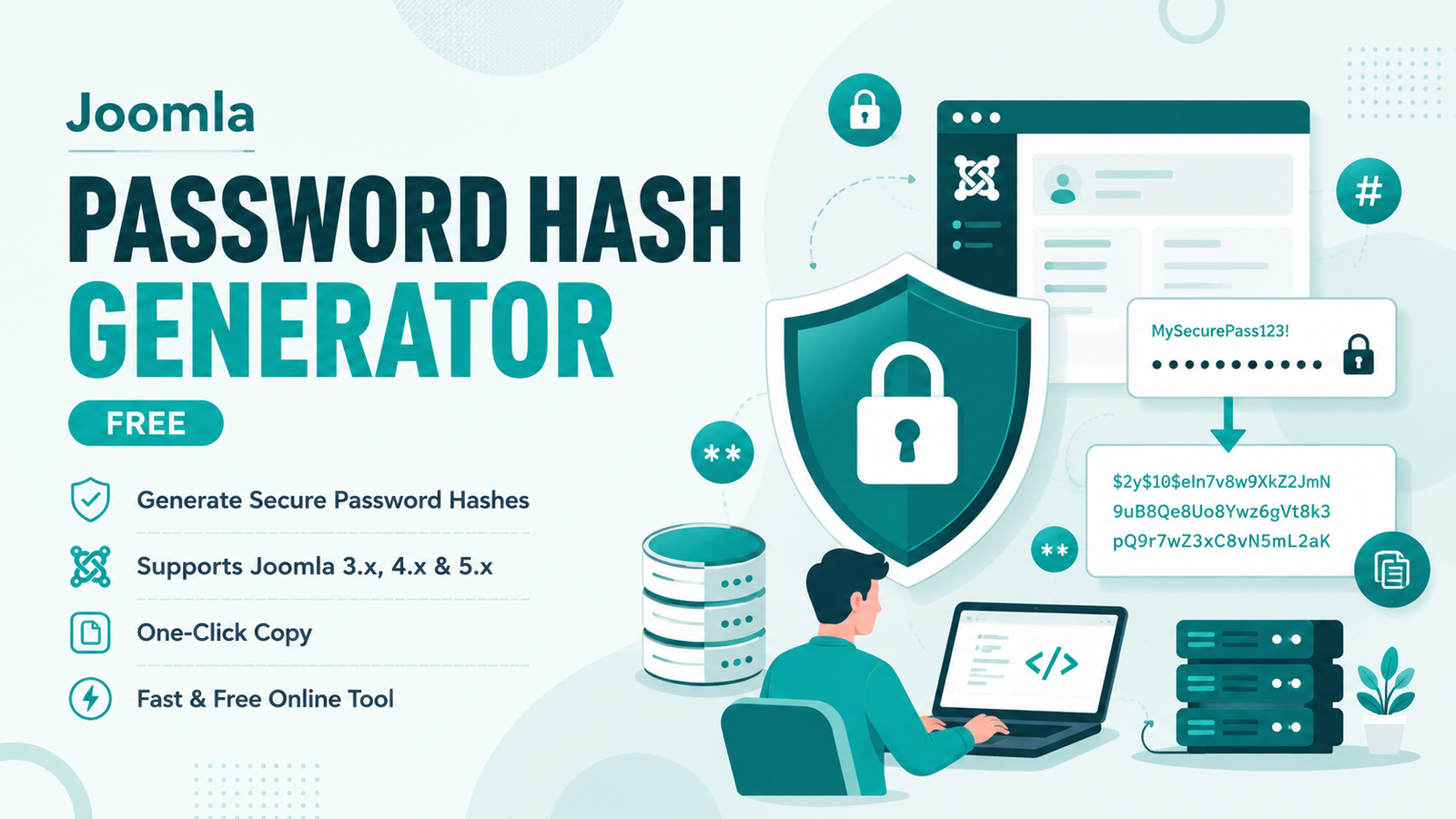
The Joomla Password Hash Generator by Ajtaktime.uk is a dedicated web utility that allows developers, server administrators, and site owners to instantly produce a valid Joomla-compatible hash for any password.
If you are locked out of your Joomla Super Administrator panel and the password reset email is not arriving, this tool provides the ultimate fallback. You can generate a new password hash here and inject it directly into your database using a tool like phpMyAdmin.
How to use the Ajtaktime.uk Joomla Password Hash Generator?
Operating this tool is fast and straightforward. Either type the new password you want into the input box or click the refresh icon () to let the system generate a secure, random password for you automatically.
Once your password is set, complete the quick math captcha to verify you are a real user, and hit the blue Generate Hash button. The tool will instantly present you with the original password, the newly generated Bcrypt hash, and a pre-written SQL query. Simply click the clipboard icon to copy the SQL query, update the table prefix (e.g., changing jos_ to your site’s actual prefix), and run it in your database to immediately restore account access.
Support Our Tools
If the Joomla Password Hash Generator helped save your site or made your administrative workflow easier, please consider sharing this page with other webmasters and developers. For any feedback, feature suggestions, or to report an issue, please feel free to reach out to us via the Contact Us page on Ajtaktime.uk.
Your Thoughts